
Introduction
Taking screenshots of websites is a common task in scraping and testing. Whether you need to capture the entire page, content within the viewport, or a particular element identified by CSS or XPath selectors, you can do it using ScrapexLabs API.Default screenshot
To capture the content visible within the viewport of the browser window setreturn_screenshot=true
This will make a screenshot similar to the one you would make yourself if you had the website open on your computer.Learn more about how to control browser window height and width
Example
Example
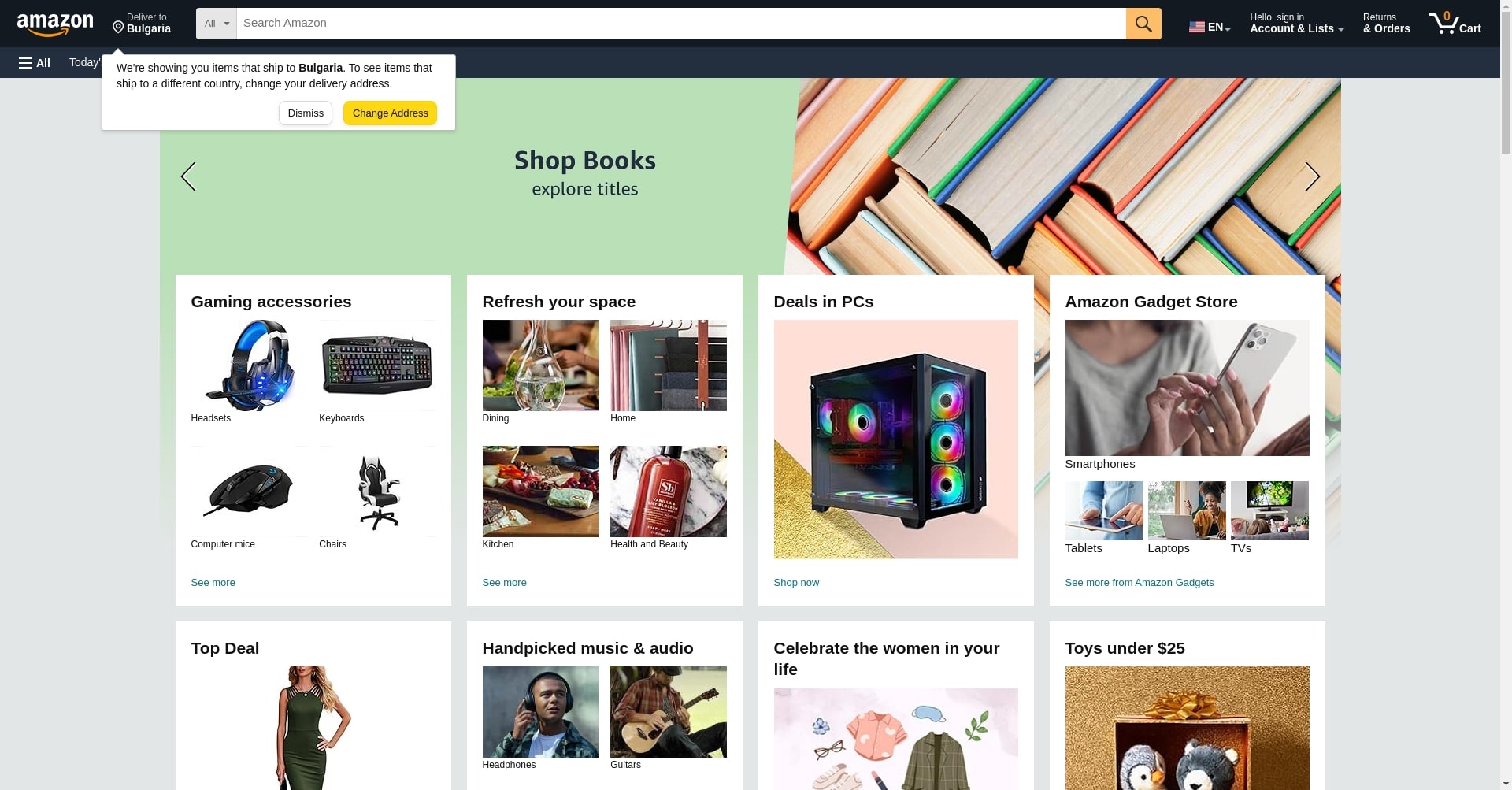
Full-page screenshot
To capture all the content of the webpage:body element height and then take a screenshot.
Example
Example
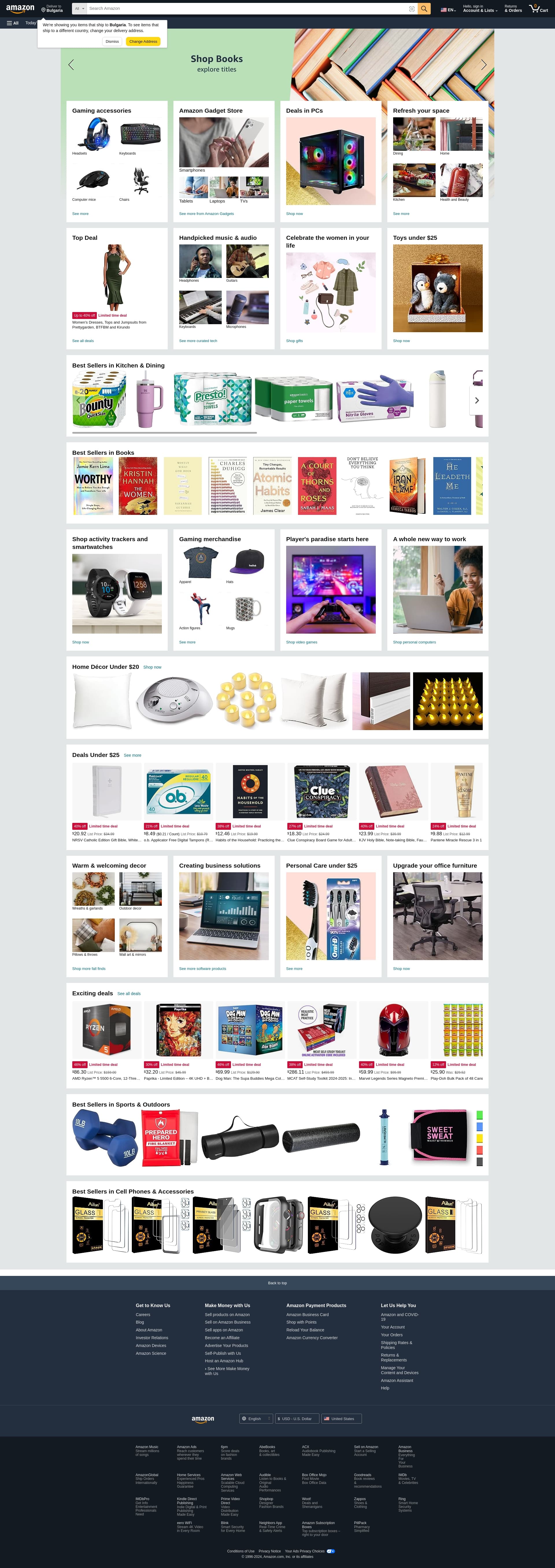
Selector screenshot
To capture a screenshot of the particular HTML element:/ - it will be treated as XPath selector.
Otherwise—as CSS selector.
Example
Example
