
Introduction
It is super easy to start using ScrapexLabs API. The only thing you need is your API Token and (obviously) the URL of the website that you want to scrape.Obtaining an API Token
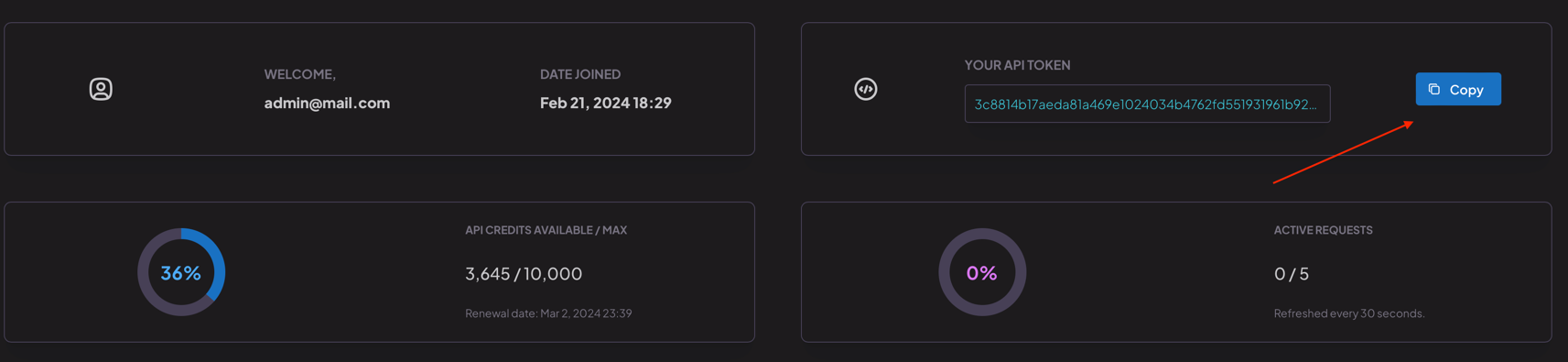
You can find your personal API Token in ScrapexLabs user dashboard. Go to dashboard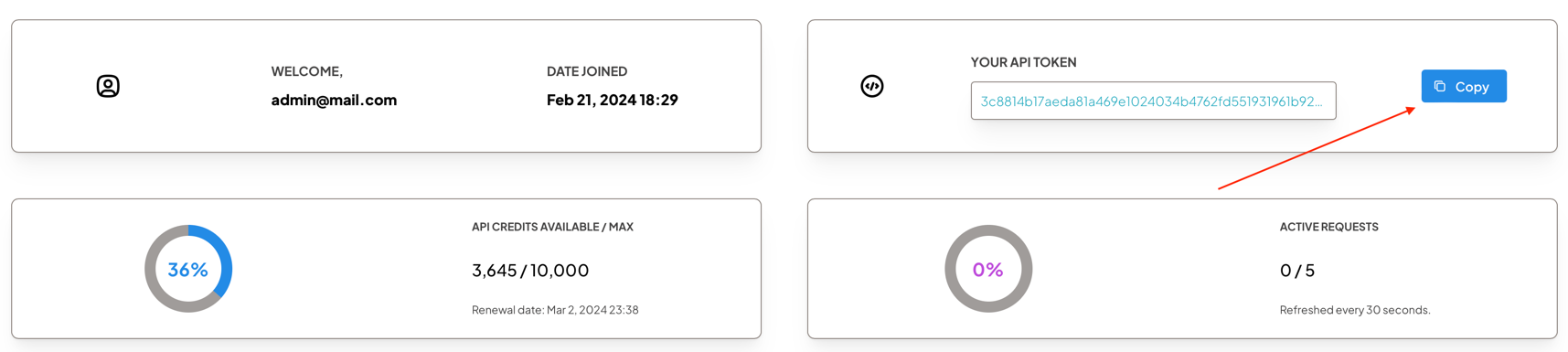
Making Requests
To authenticate your requests to the ScrapexLabs API, you need to include the API Token in the request headers. Specifically, you should use theAuthorization header with the value Bearer {API Token}.
Here’s how you can do it using various programming languages and tools: