Introduction
Controlling browser parameters allows you to simulate various user environments and conditions. This page outlines how to control different browser parameters such as locale code, window dimensions, dark mode, device type (desktop/mobile), and options for blocking ads and images.Locale code
Locale code refers to the language settings of the browser. To control the locale code you need to setlocale_code:
proxy_type and proxy_country) defining a locale_code
optimises the appearance of the browser in the “website eyes” and makes it look like a real user.
Check proxies documentation.
Device type
Some websites are easier to scrape if a device type is mobile instead of desktop. Besides, you might need to get a source code or a screenshot of a mobile layout. To switch between desktop and mobile you need to setdevice:
Window Size
Controlling the window dimensions is possible usingwindow_width and window_height :
| Field | Min value | Max value | Default |
|---|---|---|---|
| window_width | 100 | 5120 | 1920 |
| window_height | 100 | 2880 | 1080 |
Dark mode
You can enable the dark mode of the browser by settingdark_mode = true . Default is false.
This affects the websites that have light/dark themes.
Blocking ads
The browser will install an ad blocking extension and will try to block ads from loading if you setblock_ads = true.
Default is false.
Blocking images
If you don’t need to load the images, you can setblock_images = true . Default is false .
Disabling images from loading generally speeds up the response from ScrapexLabs API, as the browsers are always waiting for a
page to fully load.
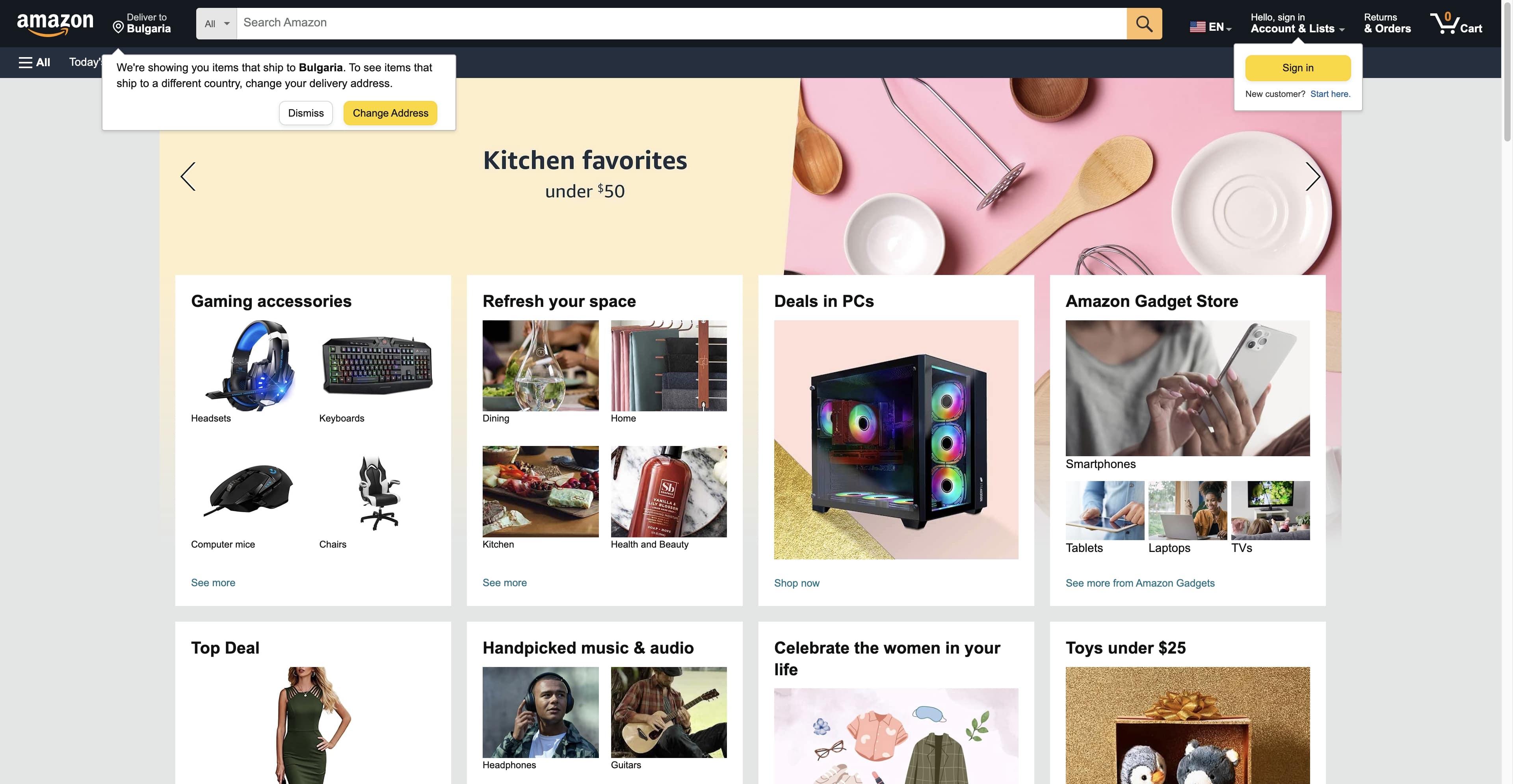
Example with block_images = true
Example with block_images = true
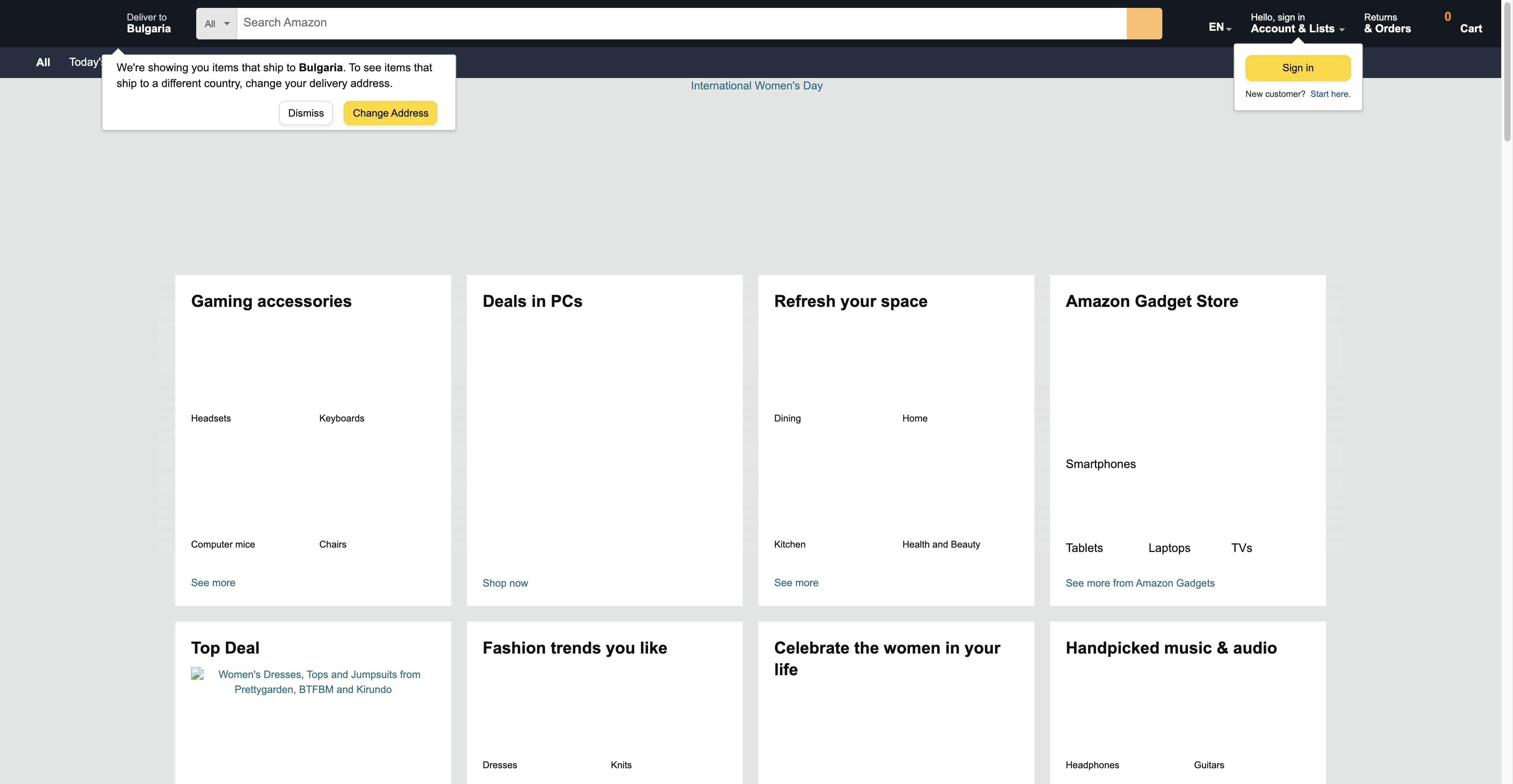
Example with block_images = false
Example with block_images = false